
Danfo skit, 30 seconds
“A Lagos danfo driver finds a talking parrot.”
- ▸ Cold open on the insult
- ▸ Parrot repeats it back
- ▸ Freeze frame punchline
Nolly Studio
A skill for the harness you already live in
Short form to long form, 10 minutes to a full hour. Install Nolly Studio in Claude Code, Codex, or OpenCode, describe the film in one sentence, and the skill writes the screenplay, locks the storyboard stills, shoots the clips, voices every character, and edits the premiere cut.
License key emailed instantly. You approve a spending cap before the first render. Works on macOS, Linux, and Windows.
still 03
danfo park · morning

still 04
aso-ebi · turn
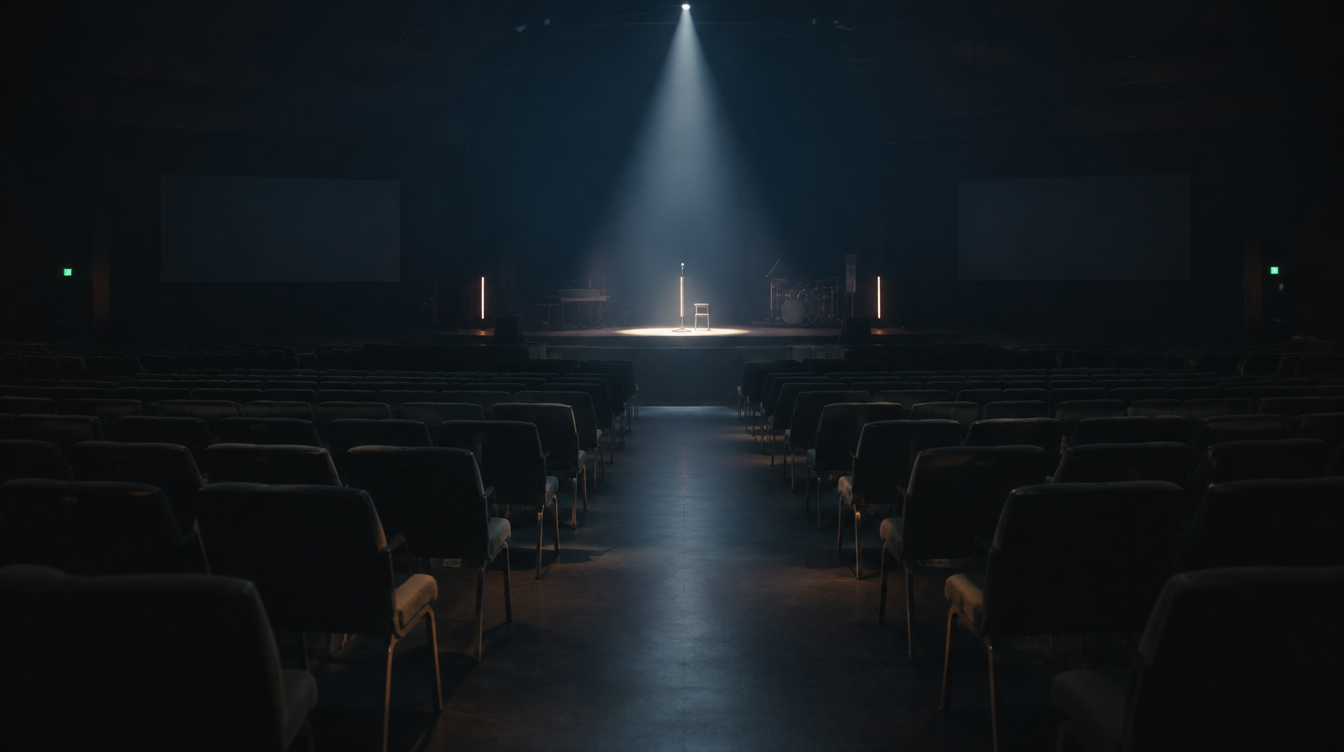
still 05
empty hall · spotlight
approved stills become clips · “The Talking Parrot”, 30s skit
No new app to learn. The skill runs inside the harness you already use:

ln -s the skill into ~/.claude/skills, then describe the film.

Same skill folder Codex reads. One sentence in, premiere cut out.

Drop-in skill. Storyboard gate and spend cap work the same.
These are the formats Nigerian creators actually sell: skits that open with the joke, adverts that land the price, promos that fill seats. Describe any of them in one sentence and the skill shoots it.
“A Lagos danfo driver finds a talking parrot.”
“Aso-ebi fabrics that sell themselves.”
“Night of a Thousand Hallelujahs.”
The order a real production works in: define everything that must stay consistent across the whole film, then storyboard, and only then generate footage. You review and approve each layer.
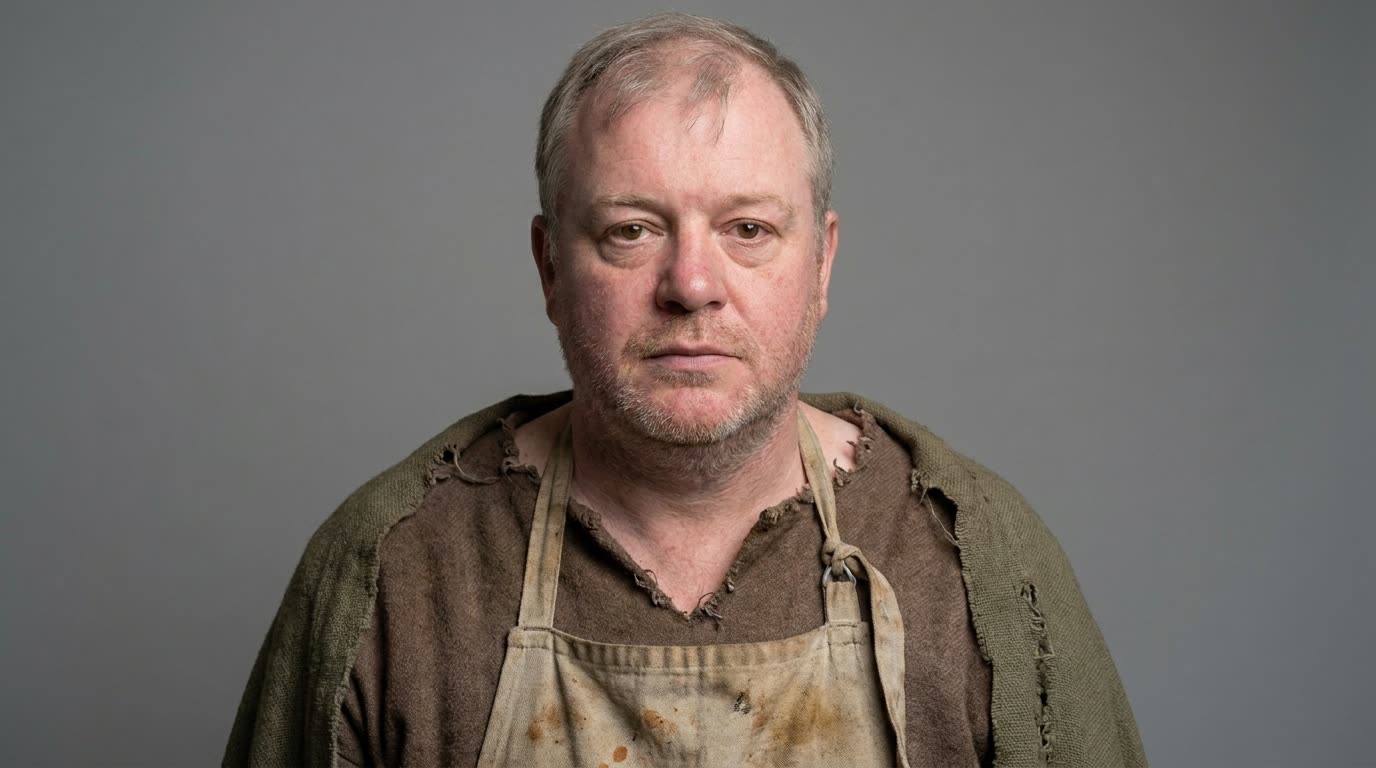
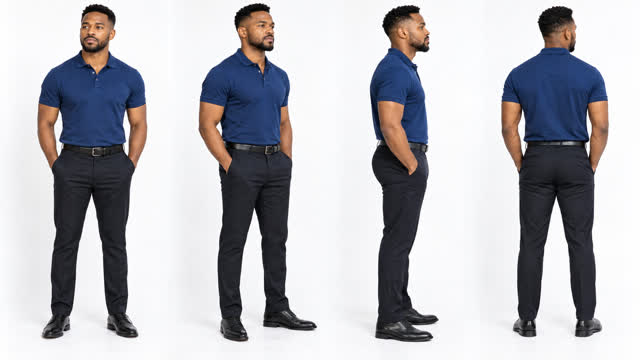
One portrait per recurring face, wardrobe pinned, an optional face lock trained once. Every later frame edits from these faces.
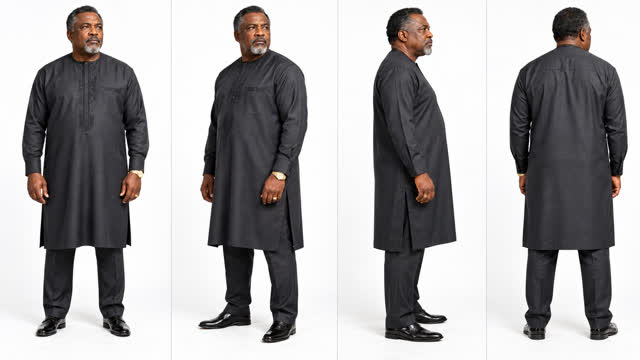
Every location and key prop gets a reference still. The same room, the same look, the same world, shot after shot.
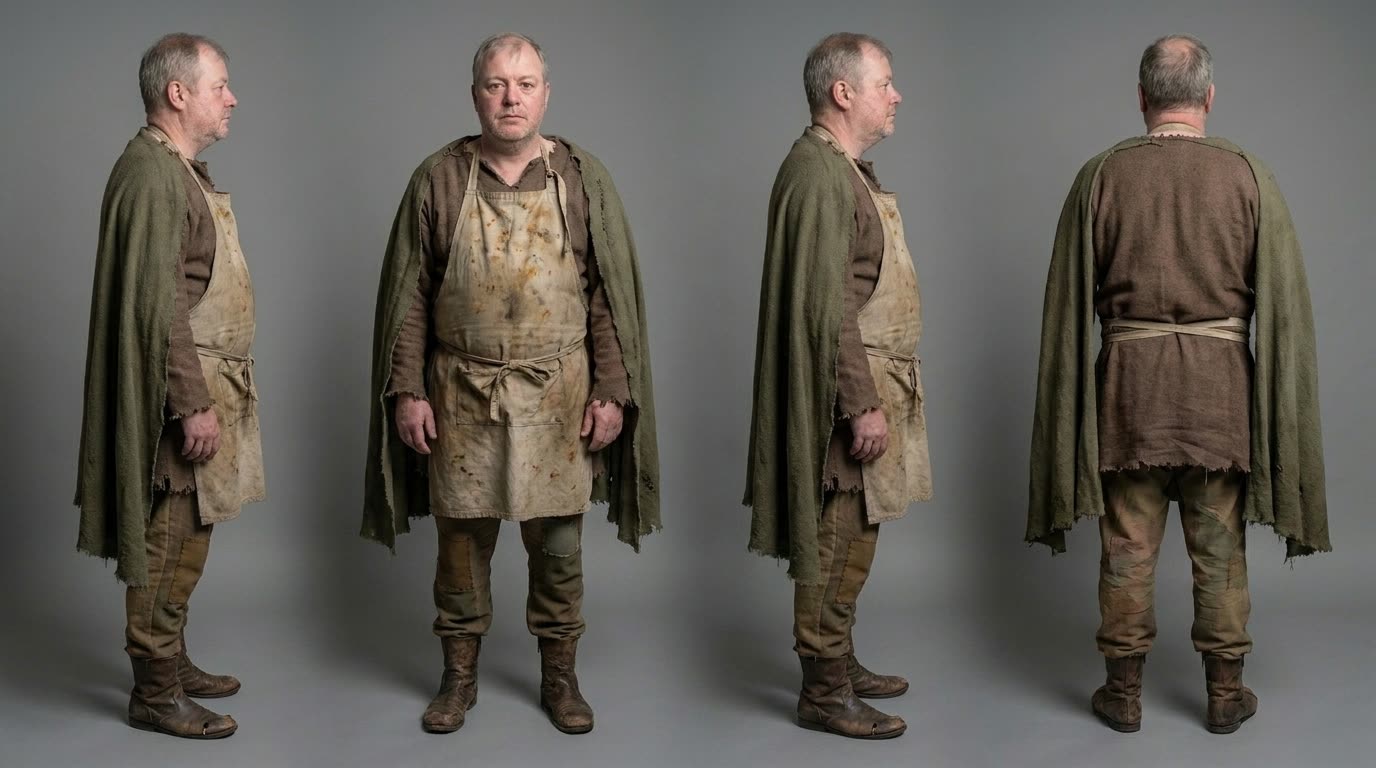
Each scene stages one master frame from your approved canon, and the coverage derives from it image to image. No crossed lines, no reshuffled rooms.
Coverage, inserts, and action beats land on one filmstrip. A frame for every shot, each reviewed and locked by you. Only then does the film commit to video, and the commit shows exact counts and dollars first. Two gates, no exceptions: no prompt renders unseen, no paid call runs over cap.



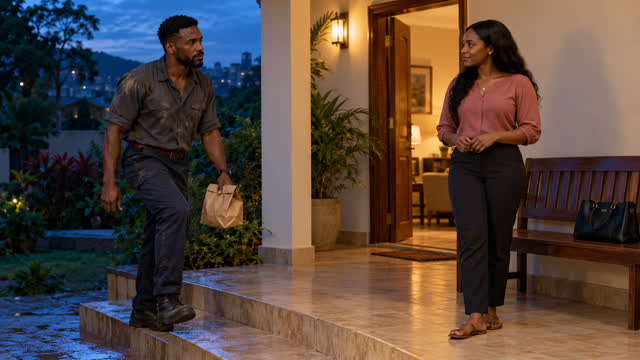
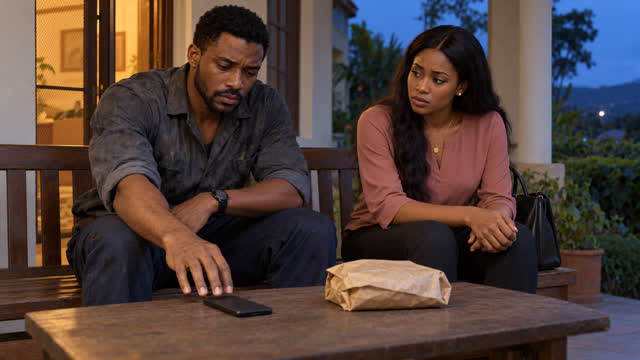
Every shot planned before a dollar of video. Reviewed and locked. V1 video · A1 dialogue · A2 sound · A3 music bed.
One sentence or a full screenplay. The skill asks the video type, then duration, style, language, and aspect. Two questions, then it writes the script.
Every recurring face gets a portrait, an optional face lock, and its own voice. Approve the portraits and the voices stick for the whole film.
Each shot opens on an approved still. Fix a costume or a framing here for free instead of paying to fix it in video.
One continuous story, 10 minutes to a full hour. Episodes share one cast and world bible; approved scenes cut together into the final film.
Clips generate from the stills, dialogue in each character voice, sound effects plus one music bed. Weak shots are retried, inside your cap.
Each clip renders against its locked storyboard frame and your cast canon. Takes queue for review: approve, star an alternate, send notes and re-roll, or grab a still straight off the footage and promote it into the canon. A prompt box makes clips. This makes films.
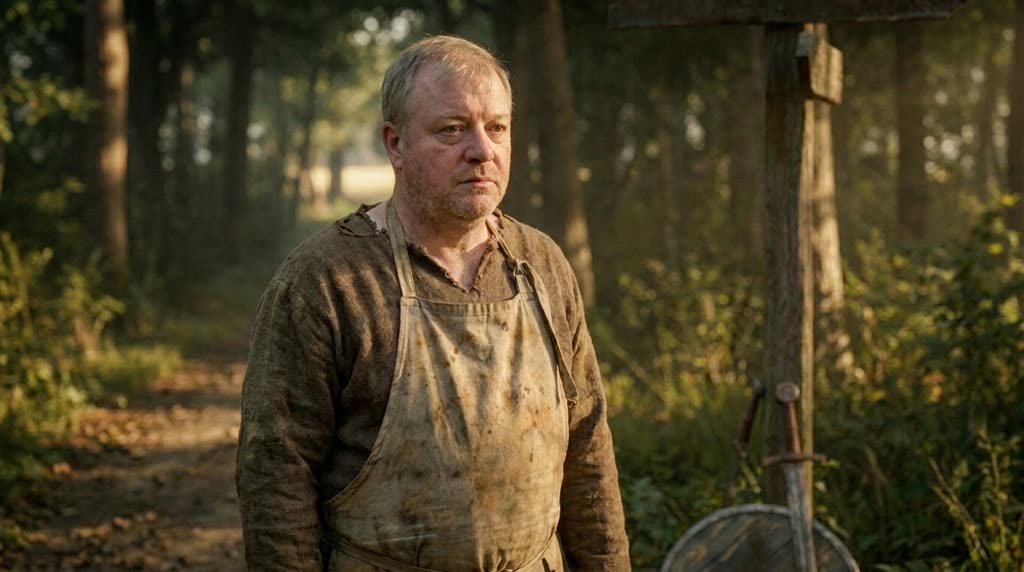
Every take lands in a review queue with its storyboard frame beside it. Keep the best, star an alternate, reject the rest.

A failed take gets a written note, not a shrug. The retry carries the correction into the prompt, inside your cap.
Not a model, and it does not pretend to be one. It casts the strongest engines in the roles they are best at, on your own accounts, swapped forward as better ones ship.

One providers file per project. Swap Higgsfield and fal per shot, cap spend per film, and keep an audit log of every paid call.
Train a face lock once and reuse it across every scene, episode, and campaign. Same cast, same look, every render.
Producers approve stills before video spend. Every clip is checked for story fidelity, anatomy, and dialogue match, then retried or cut.
Need ten films a week, or one film with ten characters?
Team licenses, priority renders, and a private model bench. Reply to your Selar receipt and we set it up.
Start with one licenseBefore you start
Five things. Most take a minute. The skill installs what it can on first run and tells you the one command for the rest.
Python 3 required
Any recent version. The skill runs on it.
ffmpeg required
Video concat and mixing. brew, apt, or winget.
higgsfield login required
One paid backend authed. Or fal API key instead.
AI harness required
Claude Code, Codex, or OpenCode installed.
ElevenLabs key optional
Per character voices. Warns without it. Dialogue fails until you add it.
FAQ
You describe the film in one sentence. The skill writes the screenplay, creates the cast, locks storyboard stills, shoots clips from those stills, voices each character, adds sound and edits the final cut. Story to premiere in one flow.
No. One sentence is enough. If you have a script, paste it and the skill uses it. If not, it drafts the story, shot list and prompts for you to approve before any paid render.
Short form to long form. 10 minutes to a full hour. Shorts stand alone. Features continue in chapters with a shared cast and world bible. Approved scenes cut together into the final film.
You set a dollar cap before the first render. The skill shows per shot costs in the draft. No paid call runs over cap and no prompt renders without your approval.
Higgsfield and fal. Choose during setup. You can mix per project. Mock is available for dry runs with no spend.
Each character gets an ElevenLabs voice. You set the voice per cast member. If no key is set, the skill warns and skips dialogue. Add the key later and rerun audio only.
One license per creator. Buy on Selar. Selar emails a key. Paste it on get started to verify. Your agent installs the skill. One seat per device. Contact support to add seats.
Yes. macOS, Linux and Windows. Python and ffmpeg need to be installed. The skill handles the rest.
Payment, key, install, first render — one track, in order. You are never more than two minutes from the next step.
Selar emails your license key the second payment clears.
The get started page verifies your key against the server.
Your agent reads its own instructions and installs itself.
State a dollar cap before the first render. The skill stops before it crosses it.
Pay on Selar · verify on get started · agent installs · first film inside cap.


